















































The video workspacewith a built-in agent
Mioon is an open-source AI video editor. Mio arranges shots and cuts the timeline. Take over anytime
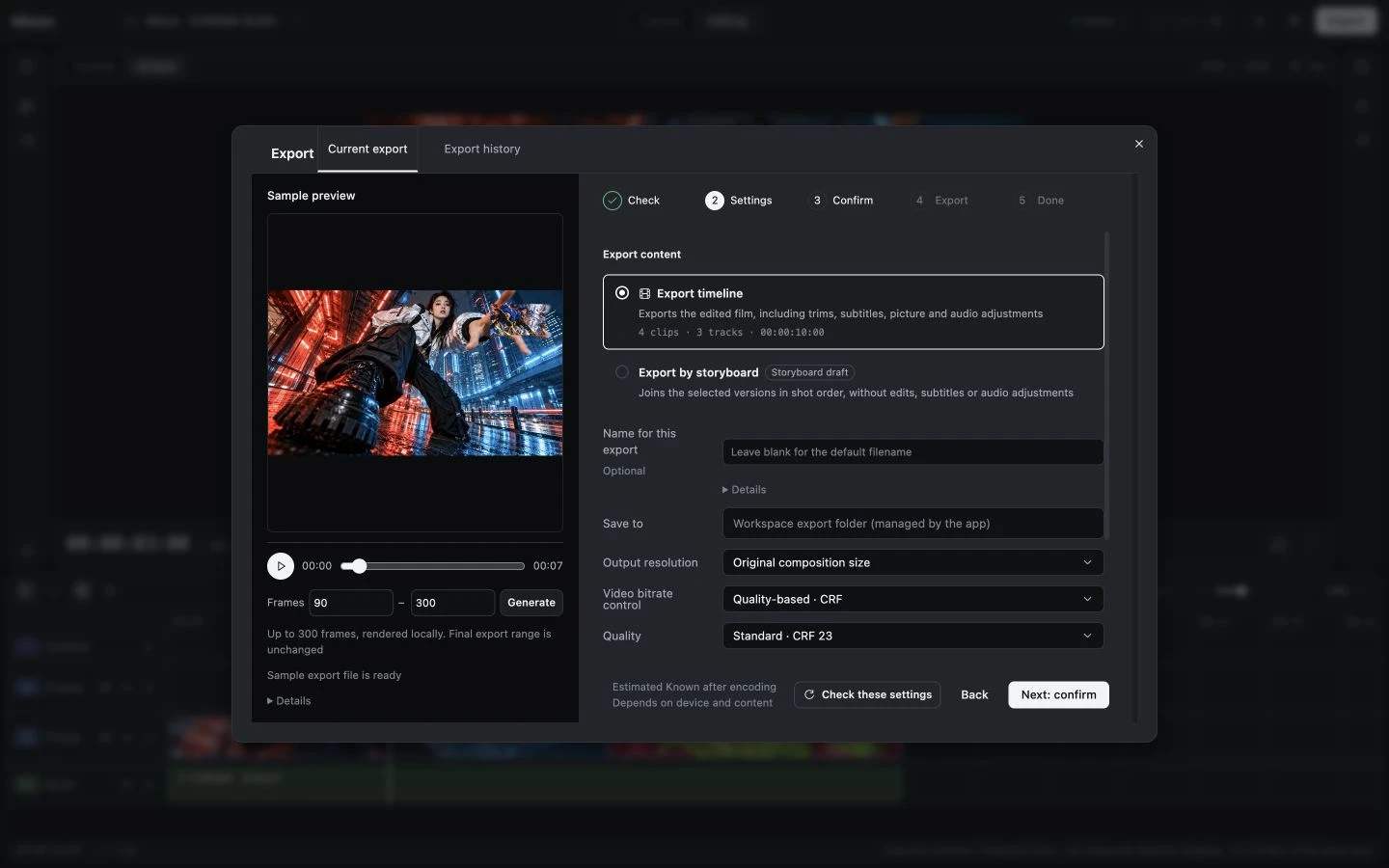
You shorten clip 2 and export an MP4; all 7 changes by Mio can be undone
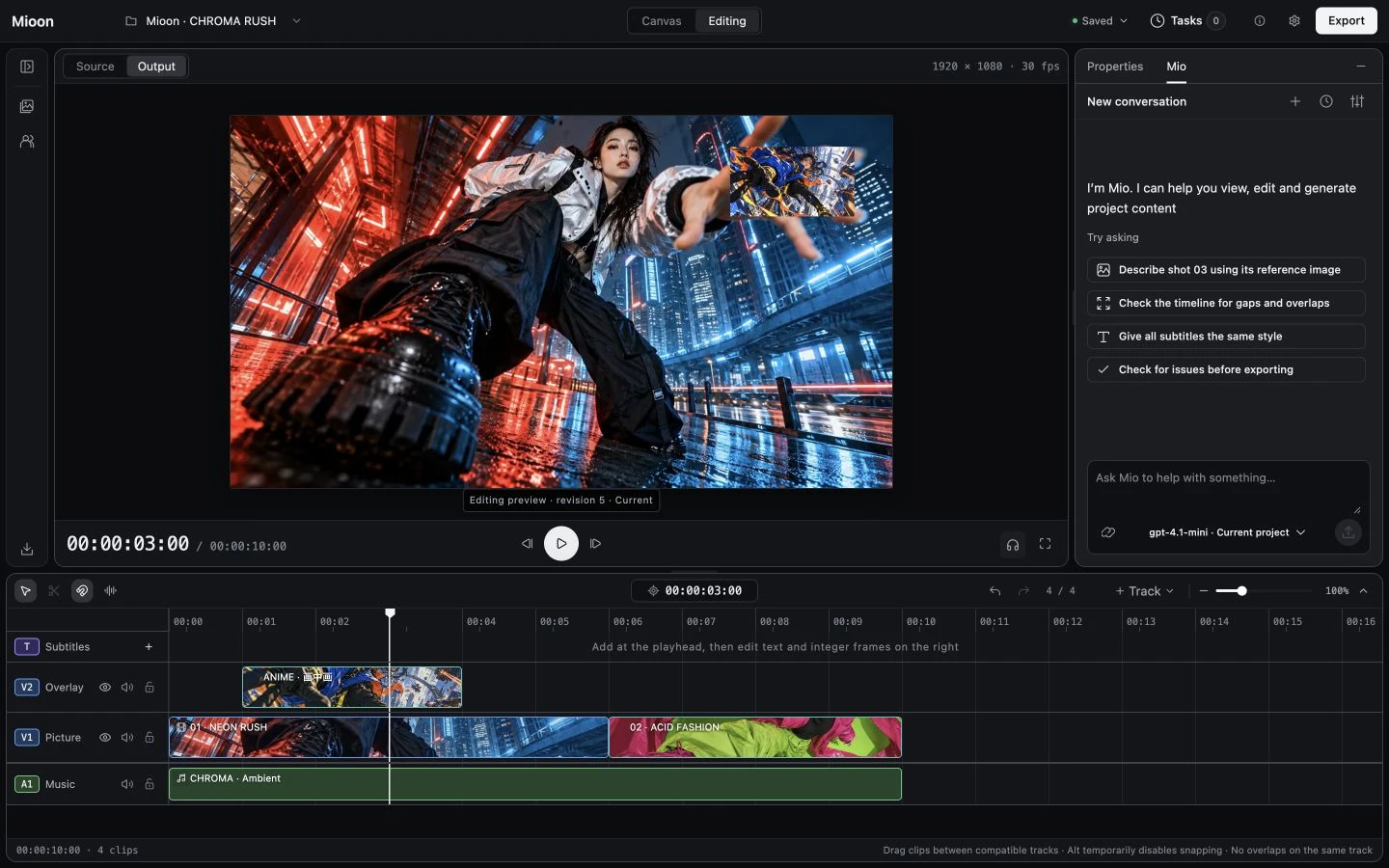
More than chat. Mio does the work
Does the work
Arranges shots, cuts clips, adds captions, generates shots
Every step in view
Each step shows in the chat, and local edits can be undone
You stay in charge
Paid generations need your OK, and Mio waits while you edit
Pick your model
DeepSeek, Qwen, Kimi, Claude, or Ollama on your machine
Bring your own model and generation services; usage may incur feesMeet Mio
From references to final cut, in one place
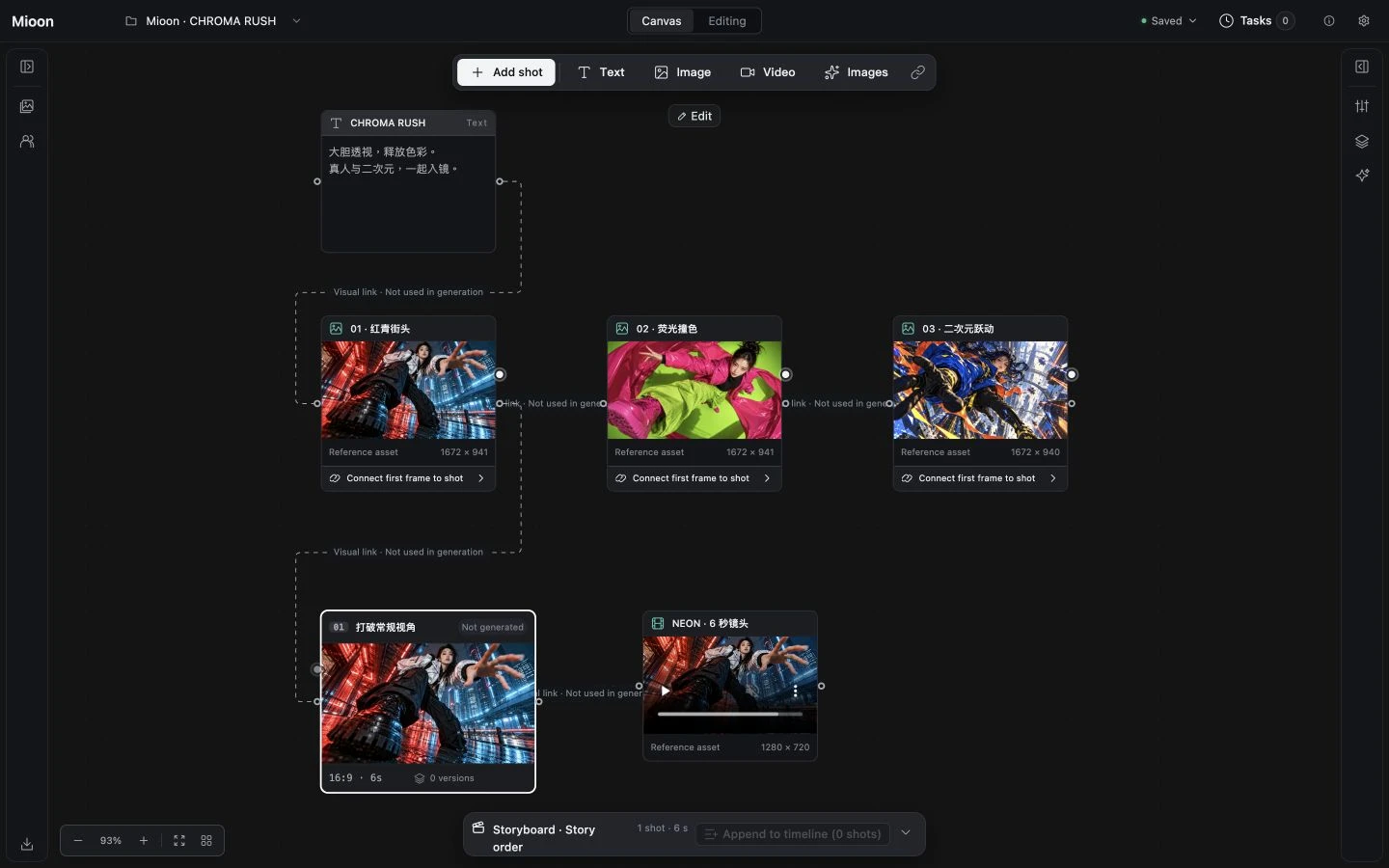
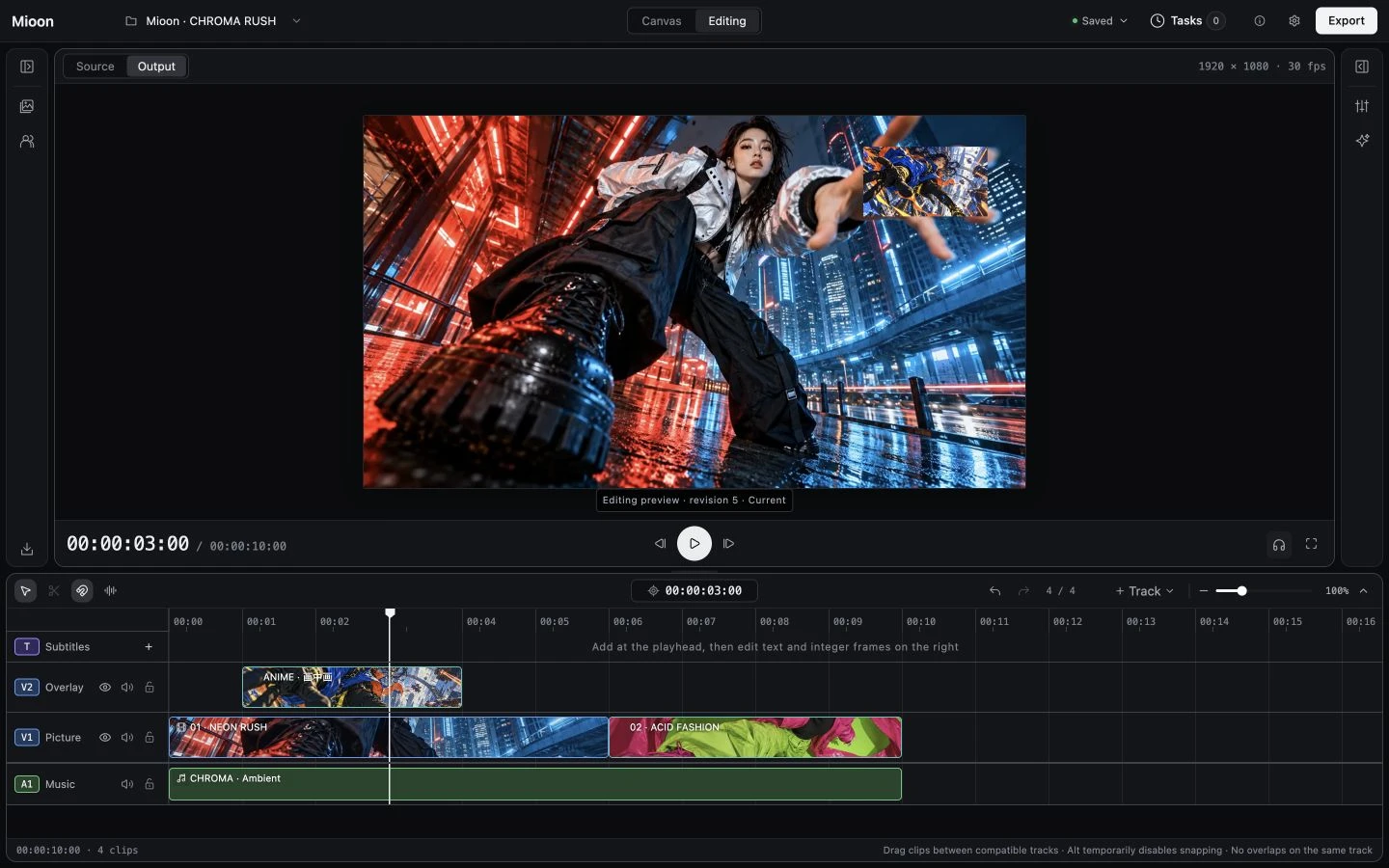
Visual board
References, shots and notes in one place
Break down references
Find the cuts automatically and turn them into shots
Shot versions
Every generation is kept, and your edit stays put
Multitrack editing
Picture, music and captions in sync
Bring your generators
Video and image generation on your own accounts
Any aspect ratio
Landscape, portrait or square MP4

Free and open source,your media stays local
FAQ
How can I try Mioon today?
Choose the macOS installer for your Mac on the download page. Open Mioon and follow the prompts to set up the video tools. You can also run from source
Which computers and systems are supported?
The desktop preview supports Apple Silicon and Intel Macs. Linux users can try Mioon from source. Desktop installers for Windows and Linux are not available yet
Does it cost anything?
Mioon is free and open source. Mio and generation services use your own accounts and are billed by each provider
Do I need AI to edit a video?
No. Import, edit, preview and export existing media without an AI account
Will my media be uploaded?
Local imports are never uploaded. External AI calls only send authorized content to the service you configure